


Exploring Python’s Control Flow and Loops
Learning Path: Python, Control Flow, and Loops
Skills Covered: Conditional Statements, Boolean Logic, Loops (for and while), Enumerate, Nested Loops, Loop Control (break, continue, pass)
Introduction to Python Control Flow
In any programming language, controlling the flow of your program is fundamental. Python provides several powerful tools for steering your program’s execution based on conditions, making use of control flow statements like if, elif, else, and loops.
Conditional Statements and Boolean Logic
In Python, conditional statements serve as the primary mechanism for decision-making. You can use if, elif, and else to execute specific blocks of code based on whether a condition evaluates to True or False.
Boolean Logic: Python supports AND, OR, and NOT logical operators which help you combine multiple conditions efficiently. For instance:
python
if x > 5 and y < 10:
print(“Both conditions are true!”)
More Read

Understanding how to write effective conditional statements will set a strong foundation for your Python programming journey.
Course Overview: Conditional Statements in Python
Mastering Loops
Python has two primary types of loops: for and while. By mastering these constructs, you can automate repetitive tasks, thus making your code more efficient.
For Loops
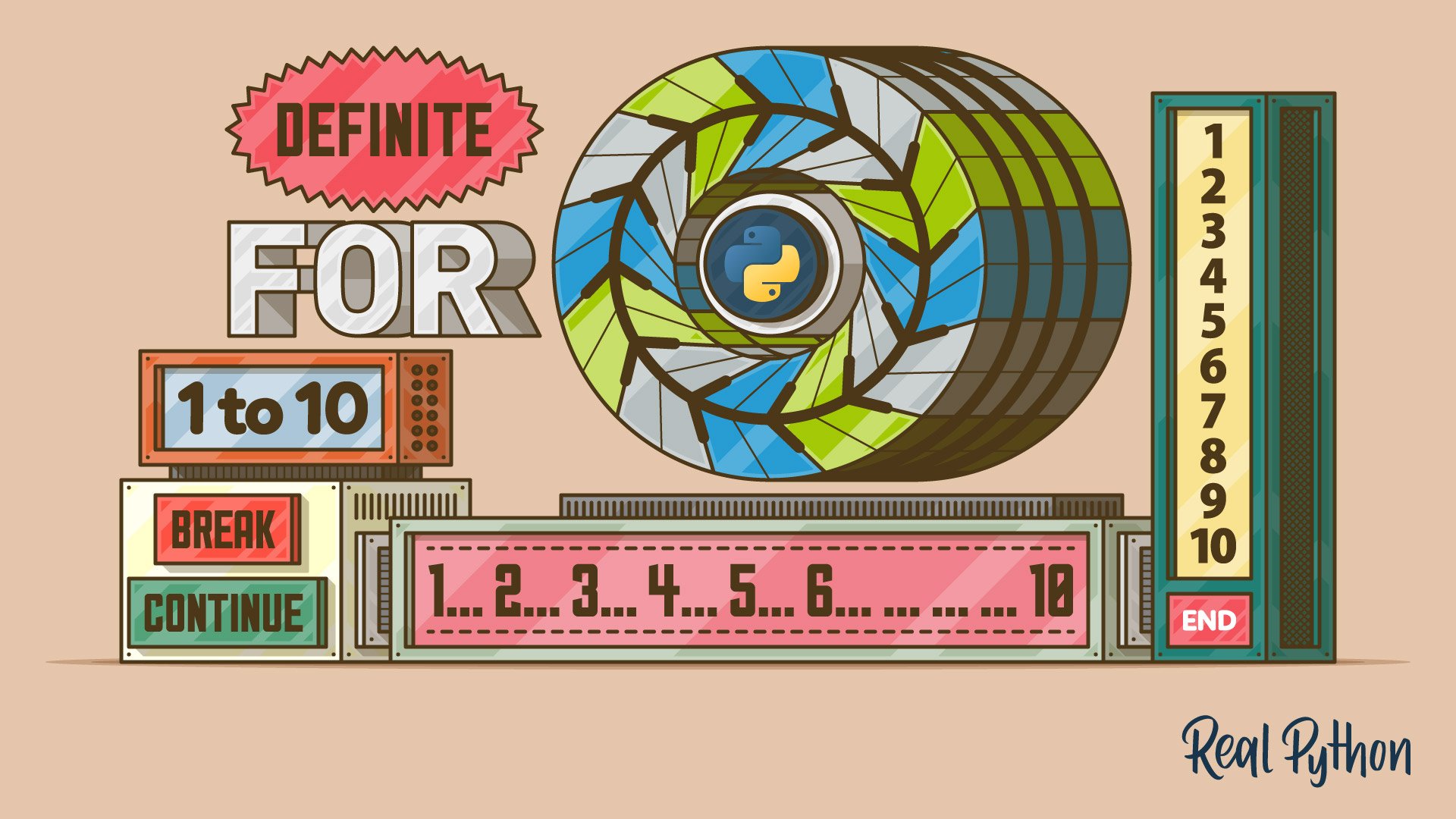
For Loops are designed for definite iteration, meaning they iterate over a sequence (like a list, tuple, or string) a predetermined number of times.
python
for i in range(5):
print(i)
You can also use enumerate() within a for loop to obtain both the index and value, which is particularly useful in many scenarios.
While Loops
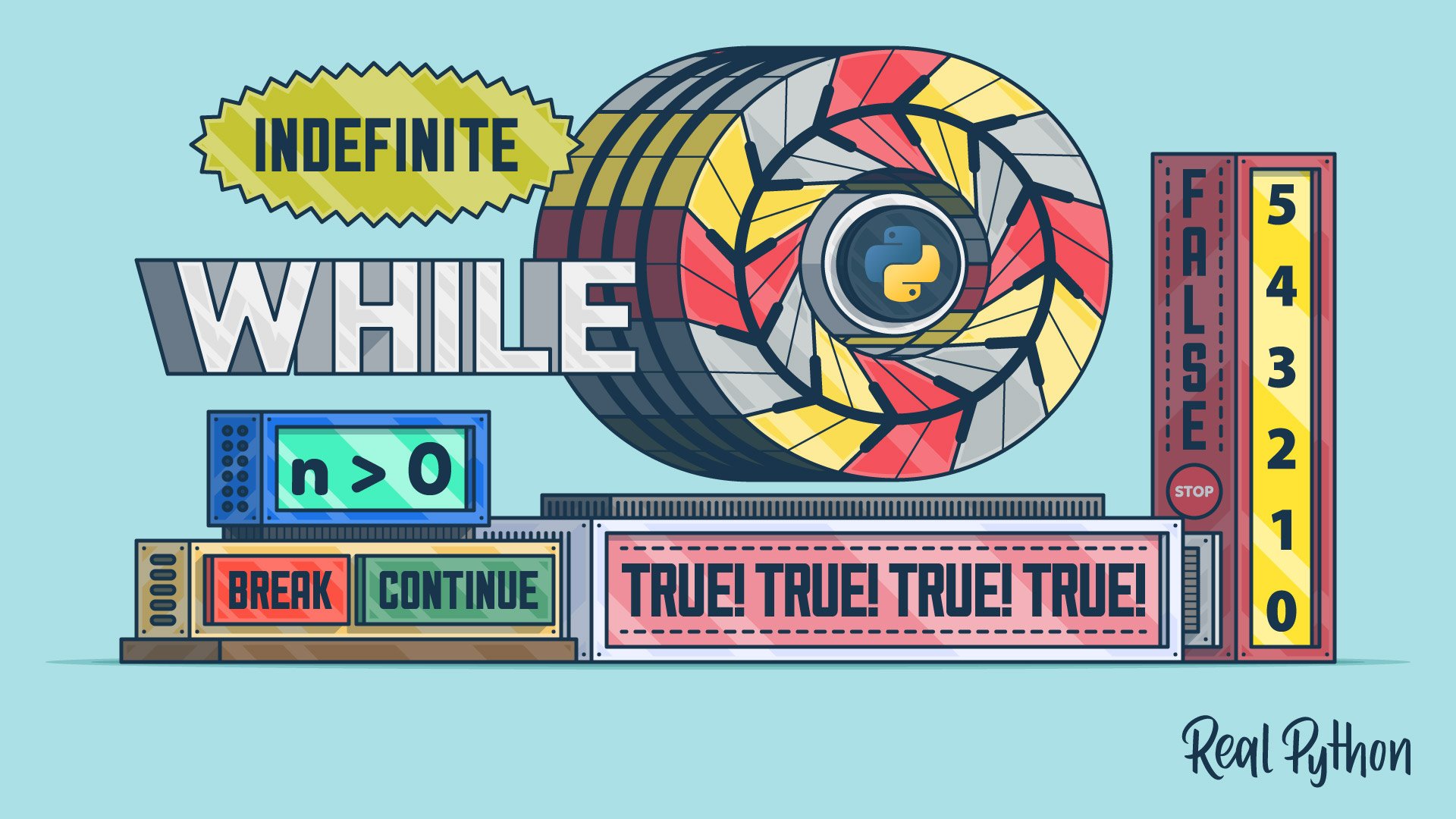
While Loops allow for indefinite iteration, giving you the flexibility to execute a block of code as long as a certain condition remains true.
python
while count < 5:
print(count)
count += 1
Emulating Do-While Loops in Python can be achieved by creating a while loop that always runs at least once, followed by a conditional check that may trigger a break.
Control Flow in Loops
Within loops, Python enables you to manage the flow of execution with keywords like break, continue, and pass.
- Break: Immediately exits a loop when a certain condition is met.
python
for num in range(10):
if num == 5:
break
print(num)
- Continue: Skips the current iteration and moves to the next.
python
for num in range(10):
if num % 2 == 0:
continue
print(num) # This prints odd numbers only.
- Pass: A placeholder that does nothing. It’s useful for defining empty blocks in a loop.
python
for num in range(10):
if num < 5:
pass # Do nothing

Understanding Enumerate
The enumerate() built-in function is powerful for obtaining both the index and value of items in a sequence.
python
fruits = [‘apple’, ‘banana’, ‘cherry’]
for index, value in enumerate(fruits):
print(index, value)
Nested Loops
Nested loops allow you to iterate over a sequence within another loop. Although powerful, ensure not to create excessively deep nesting which can lead to complicated and less readable code.
python
for i in range(3):
for j in range(2):
print(f”i: {i}, j: {j}”)
Loop Control and Membership Testing
Testing for membership in Python is achieved through in and not in, which allow you to check if an item exists in a collection (like a list or dictionary). This is particularly useful when combining conditionals and loops.
python
fruits = [‘apple’, ‘banana’, ‘cherry’]
if ‘banana’ in fruits:
print(“Banana is in the list!”)
Conclusion
By mastering Python’s control flow and loops, you enhance your capabilities as a programmer, enabling you to execute complex logic and manipulate data effectively. Each section of this learning path builds upon the last, creating a comprehensive understanding of how to control the flow of your Python programs.
For additional practice, consider exploring the next stage in your Python learning journey with resources that delve deeper into data structures or practical applications of Python in real-world situations.
Inspired by: Source


