


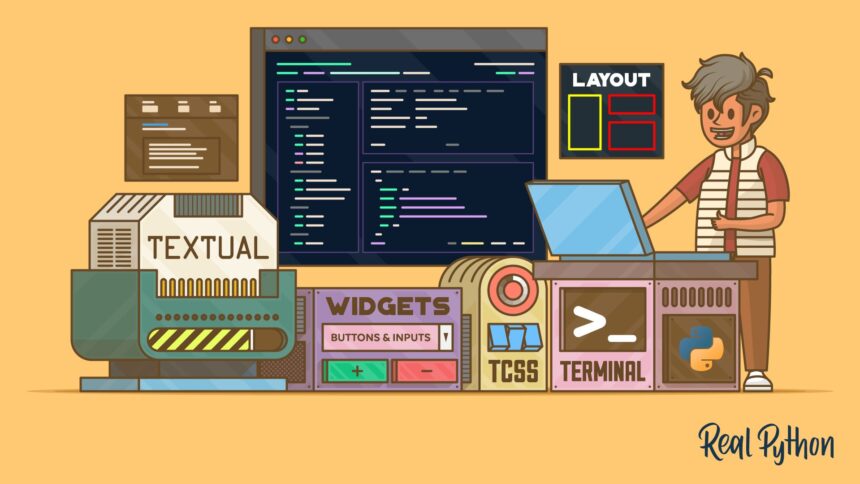
Create Stunning Text-Based User Interfaces with Textual
Have you ever dreamed of designing an application with a visually stunning interface that runs right in your command line? Enter Textual, a robust Python toolkit and framework specifically crafted for developing elegant and functional text-based user interface (TUI) applications. With Textual, enthusiasts and developers alike can dive into the world of interactive console applications with ease and creativity.
What is Textual?
Textual is a modern framework designed for building terminal-based applications that are not only interactive but also visually appealing. By leveraging a rich set of widgets and layouts, Textual provides a flexible environment that allows you to create applications with responsive interfaces that can adapt to various screen sizes and layouts. Whether you’re building a simple utility or a complex application, Textual offers the tools needed to make your text interfaces engaging.
Key Features of Textual
-
Interactive Widgets: Textual offers a variety of widgets such as buttons, sliders, and forms, enabling you to create a dynamic and intuitive user experience. Each widget is designed with functionality in mind, allowing for seamless interaction.
-
Flexible Layouts: With its advanced layout options, you can organize your interface in a way that suits your application’s needs. Choose from grid, box, and other layout structures to create an engaging user experience.
-
Styling Options: One of Textual’s standout features is its extensive styling capabilities. You can customize colors, fonts, and themes to match your desired aesthetic, making your app not only functional but also visually attractive.
-
Cross-platform Compatibility: One of the significant advantages of Textual is its ability to create platform-independent applications. This means your TUI can run on various operating systems and work seamlessly over remote connections, making it a perfect fit for low-resource environments.
- Simplified Event Handling: Textual simplifies event-driven programming, enabling developers to handle user interactions smoothly. With built-in support for actions and events, your application can respond dynamically to user inputs.
What to Expect from Our Video Course
In our comprehensive video course, you’ll embark on a learning journey that goes beyond the basics of Textual. Here’s a preview of what you’ll gain:
-
Understanding Python Textual: You’ll learn not just how to use the framework but also the underlying principles that make Textual effective for building terminal applications.
-
Creating Layouts and Styling: Get hands-on experience with the various layout options and styling techniques, ensuring your applications stand out.
- Enhancing User Experience: Discover how to add interactivity and engagement to your applications through practical exercises and examples.
Course Components
The course is designed for learners of all levels, guiding you through each critical aspect of Textual application development. Here’s what’s included:
-
11 Lessons: Dive deep into each feature of Textual with structured lessons designed to build your understanding progressively.
-
Video Subtitles and Full Transcripts: No need to worry about missing key insights while watching; all videos come with transcripts for quick reference.
-
Downloadable Resources: Access two downloadable resources that will aid your learning process, making application development smoother.
-
Accompanying Text-Based Tutorial: Reinforce what you learn with a step-by-step text tutorial that complements the video lessons.
-
Interactive Quiz: Test your knowledge with quizzes that help solidify your understanding of Textual concepts.
-
Q&A With Python Experts: Have questions? Get them answered by seasoned Python experts who are ready to support you on your learning journey.
- Certificate of Completion: Showcase your expertise with a certificate that confirms your mastery of Textual applications.
Downloadable Resources
As part of the course experience, you’ll receive valuable downloadable resources that will help reinforce your knowledge and skills in Python application development. These resources include:
More Read

-
Sample Code Repositories: Reference real-world applications and coding examples that demonstrate how to implement Textual features effectively.
- Styling Guide: A concise guide to various styling techniques that will enhance the visual appeal of your TUI applications.
By participating in this course, you’ll unlock the potential of your command-line applications, ensuring they not only function well but also provide a delightful experience for your users.
Jump into the world of Textual today and elevate your Python programming skills by mastering text-based user interfaces in a way that is both innovative and fun!
Inspired by: Source


